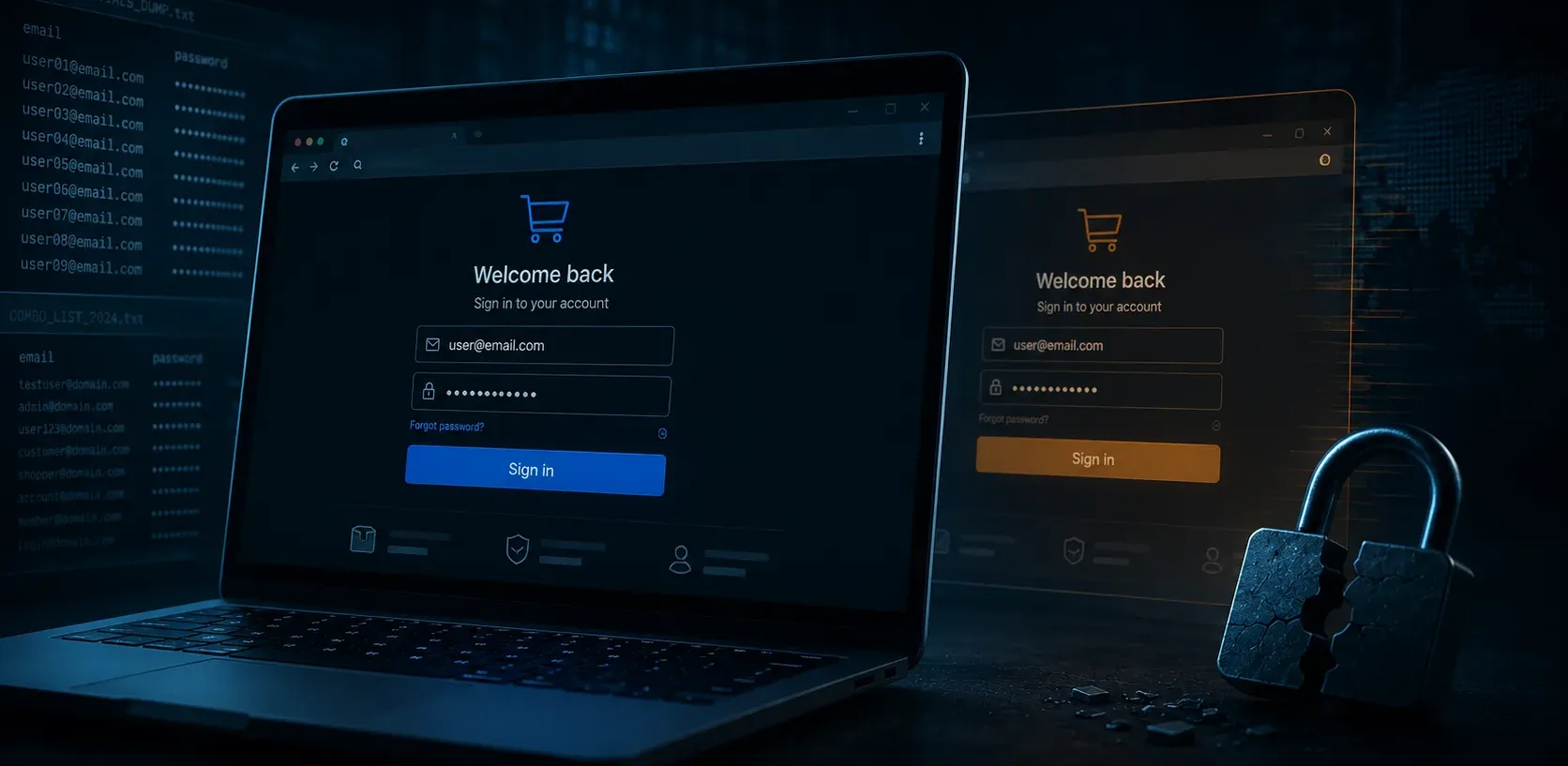
You did not get an alert. You did not see a suspicious order. But somewhere, a stranger is browsing your store using your customer's real account — their saved address, their payment method, their order history.
This is account takeover (ATO), and it is one of the fastest-growing threats facing online stores right now. The part that makes it different from a typical hack is simple: the attacker does not break in. They log in.
Why This Matters More Than You Think
Account takeover is not a niche problem. According to Sift's Q1 2026 Digital Trust Index, 21% of consumers experienced an account takeover in 2025. In the UK alone, Cifas recorded over 78,000 account (facility) takeover cases in 2025 — an 18% share of all fraud filings, up 6% year-over-year.
The financial impact is not abstract either. Industry research (Security.org) puts the average loss from a confirmed ATO incident at around $12,000 — and that figure is just the direct loss to the account holder, before a merchant's own chargeback fees, customer-recovery costs, and brand damage even enter the picture. Across all sectors, the FBI's Internet Crime Complaint Center called out account takeover as a distinct threat category for the first time in its 2025 Internet Crime Report, logging roughly 4,700 ATO complaints with reported losses of $359.7 million.
For a small online shop, a single successful ATO campaign against your customer base can mean months of profit gone in days.
How Attackers Actually Do It
ATO does not require sophisticated tools or advanced knowledge. Most attacks follow one of three paths:
1. Credential Stuffing
This is the most common method. Attackers take username and password combinations leaked in data breaches — millions of them — and automate login attempts across thousands of sites. Because most people reuse passwords, a leak from an unrelated forum or social platform becomes a key to your shop.
The scale is hard to overstate. Akamai has tracked roughly 26 billion credential-stuffing attempts per month, and separate research has recorded compromised-credential volumes climbing more than 150% year-over-year. Attackers are not guessing. They are using real, previously-breached credentials at scale.
2. Session Hijacking
If a customer logs in on public Wi-Fi and your site does not enforce HTTPS properly or uses insecure session tokens, an attacker on the same network can capture their session. The attacker then uses the stolen session cookie to access the account — no password needed.
This is especially common in shared environments like cafés and airports, and it is easier to pull off than most shop owners realize.
3. AI-Powered Phishing
Traditional phishing emails with bad grammar are easy to spot. But attackers now use AI to craft convincing, personalised phishing messages that mirror your brand's tone and style. The fake login pages they link to are nearly identical to your real checkout. A customer who clicks through may hand over their credentials without a second thought.
Five Things to Check Today
You do not need to be a security expert to reduce your ATO risk. Here are five practical checks any shop owner can run:
1. Rate Limiting on Login
Visit your own login page and try entering a wrong password 10 times in a row. If nothing happens — no CAPTCHA, no lockout, no delay — you have no rate limiting. That means an attacker can run thousands of login attempts against your site with no friction.
Fix: Most platforms have plugins or settings for login rate limiting. At minimum, add a CAPTCHA after 3–5 failed attempts.
2. Multi-Factor Authentication
Check whether your shop offers MFA for customer accounts. If you are running WooCommerce, Shopify, or a similar platform, MFA is usually available through a plugin or built-in setting.
It does not need to be mandatory for all customers — even offering it as an opt-in option gives security-conscious users a way to protect themselves. Passkeys (FIDO2/WebAuthn) are even stronger, since there is no password for an attacker to phish, guess, or stuff in the first place. Recent passkey-adoption data shows authentication success rates around 93%, well above the 60–65% typically seen with password-based logins — and major platforms (Amazon, Google, PayPal, TikTok, and others) are rolling them out fast.
3. Session Invalidation
Log into your shop as a customer, then use the "Log Out" function. After logging out, try pressing the browser's Back button. Can you still see the account dashboard? If so, your session is not being properly invalidated on the server side.
Fix: Ensure your platform invalidates session tokens server-side on logout. This is a configuration check, not a code change.
4. Suspicious Login Alerts
Check whether your shop sends a notification when a login happens from a new device or unusual location. If your platform supports this, enable it. If it does not, consider a plugin that provides basic login activity logging.
The earlier you detect unusual activity, the less damage an attacker can do.
5. Platform ATO Features
Review your platform's security settings. Shopify, WooCommerce, Magento, and most major ecommerce platforms now include some form of account protection — whether it is login attempt monitoring, IP-based throttling, or suspicious activity flags. Check whether these features are turned on and configured.
What Actually Stops Account Takeover
The most effective mitigation is not a single tool — it is a layered approach that makes your shop a harder target:
- Passkeys or MFA eliminate the value of stolen passwords entirely, since there's no shared secret for an attacker to steal, guess, or reuse.
- Rate limiting and bot detection slow down automated stuffing attempts.
- Session management best practices prevent session hijacking from succeeding.
- Breach monitoring (such as Have I Been Pwned) lets you proactively notify customers when their credentials appear in a known leak.
None of these require a security budget. Most are configuration changes that take under an hour to implement.
The Uncomfortable Question
If you are not sure whether your shop has rate limiting on login, or whether your session management is secure, or whether your customers have the option to enable MFA — that is already information an attacker can use.
The question is not whether someone is trying. The question is whether your shop is harder to attack than the one next door.
If you want to understand your shop's current exposure from an attacker's perspective — the login endpoints, the session handling, the configuration gaps — a focused security review can surface what configuration settings miss. Get a security assessment →
Sources: Sift, Q1 2026 Digital Trust Index; Cifas, Fraudscape 2026; FBI Internet Crime Complaint Center, 2025 Internet Crime Report; Security.org, Identity Theft Statistics; Akamai / Dashlane, credential stuffing research; FIDO Alliance, Passkey Index 2026.